Pick a tuning
Start with Open G, Open D, DADGAD, Open E, Open A, or Open C.
 Open Tunings Trainer
Open-tuning practice for iPhone and iPad
Choose Open G, Open D, DADGAD, Open E, Open A, or Open C, then follow drone rolls, melody targets, and playable grips through progressions that sound like music.
How it works
Retuning changes the map under your fingers. Open Tunings Trainer gives each tuning its own rolls, chord paths, and fretboard shapes so practice stays musical.
Start with Open G, Open D, DADGAD, Open E, Open A, or Open C.
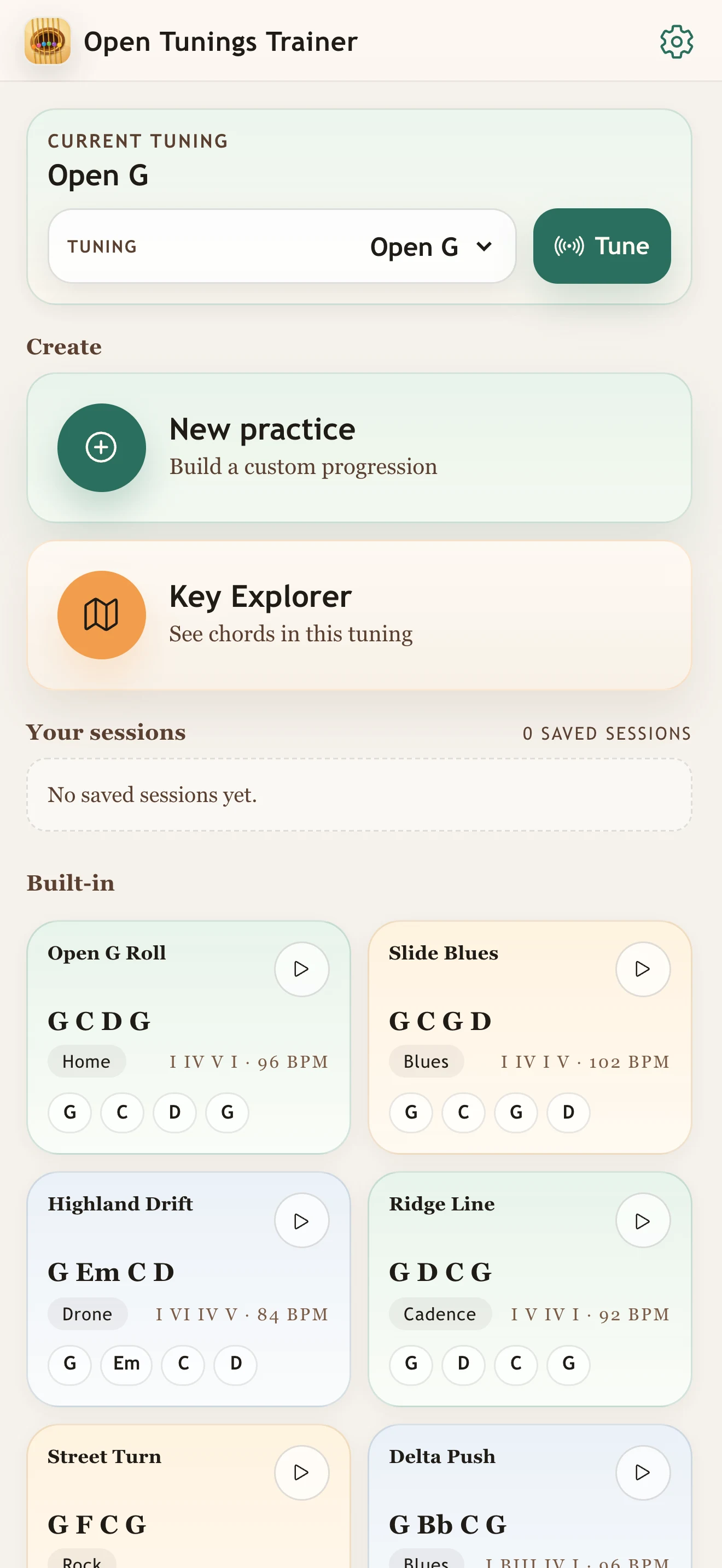
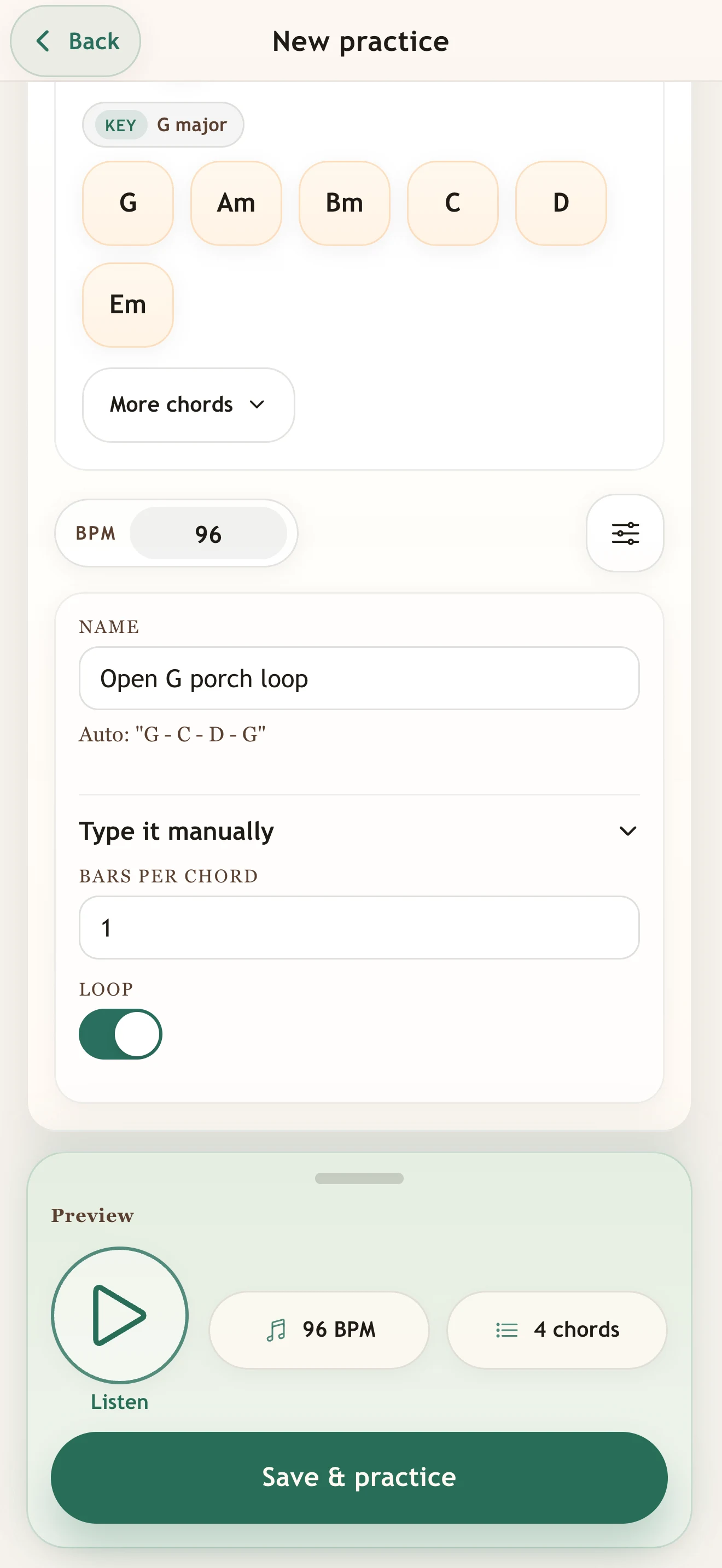
Use a tuning-specific starter idea or build your own progression.
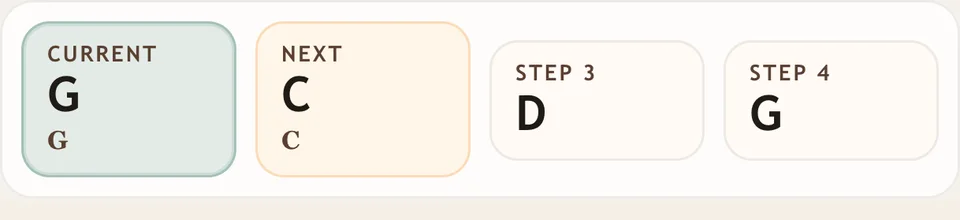
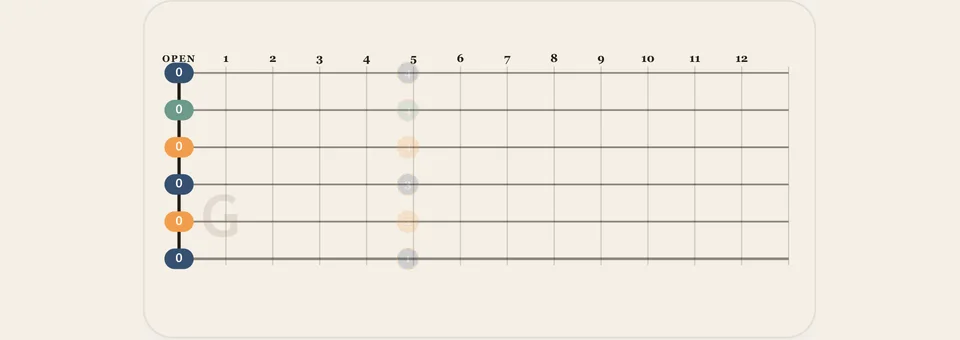
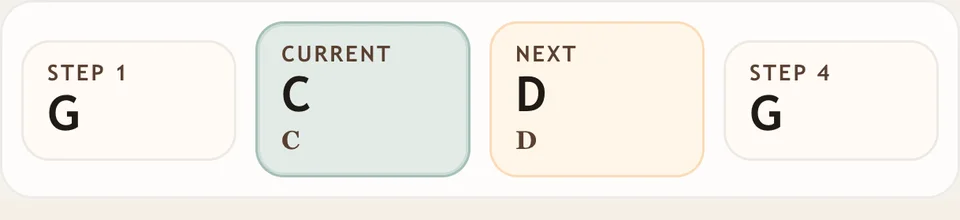
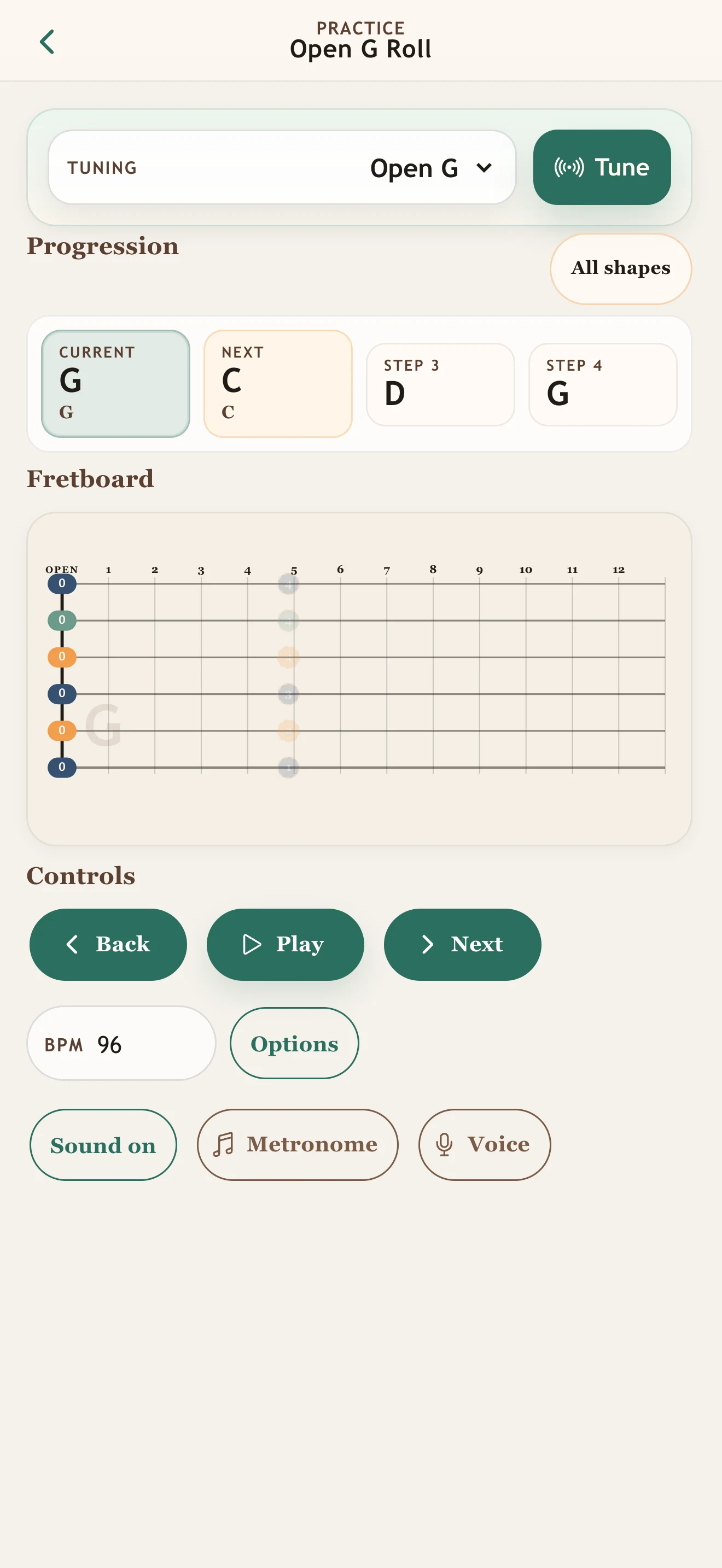
See the full progression strip, highlighted next shape, and picked string on the fretboard.
Practice with BPM, playback, metronome, and hands-free controls.
Built-in tunings
Each tuning keeps its own string spelling, home key, and starter roll, so you are not forcing standard-tuning habits onto a new layout.
D G D G B D
G C D G Open G RollD A D F# A D
D G A D Bell RollD A D G A D
D G A D Drone LiftE B E G# B E
E A B E Bright RollE A E A C# E
A D E A A CrossingC G C G C E
C F G C Bell HomeInside the app
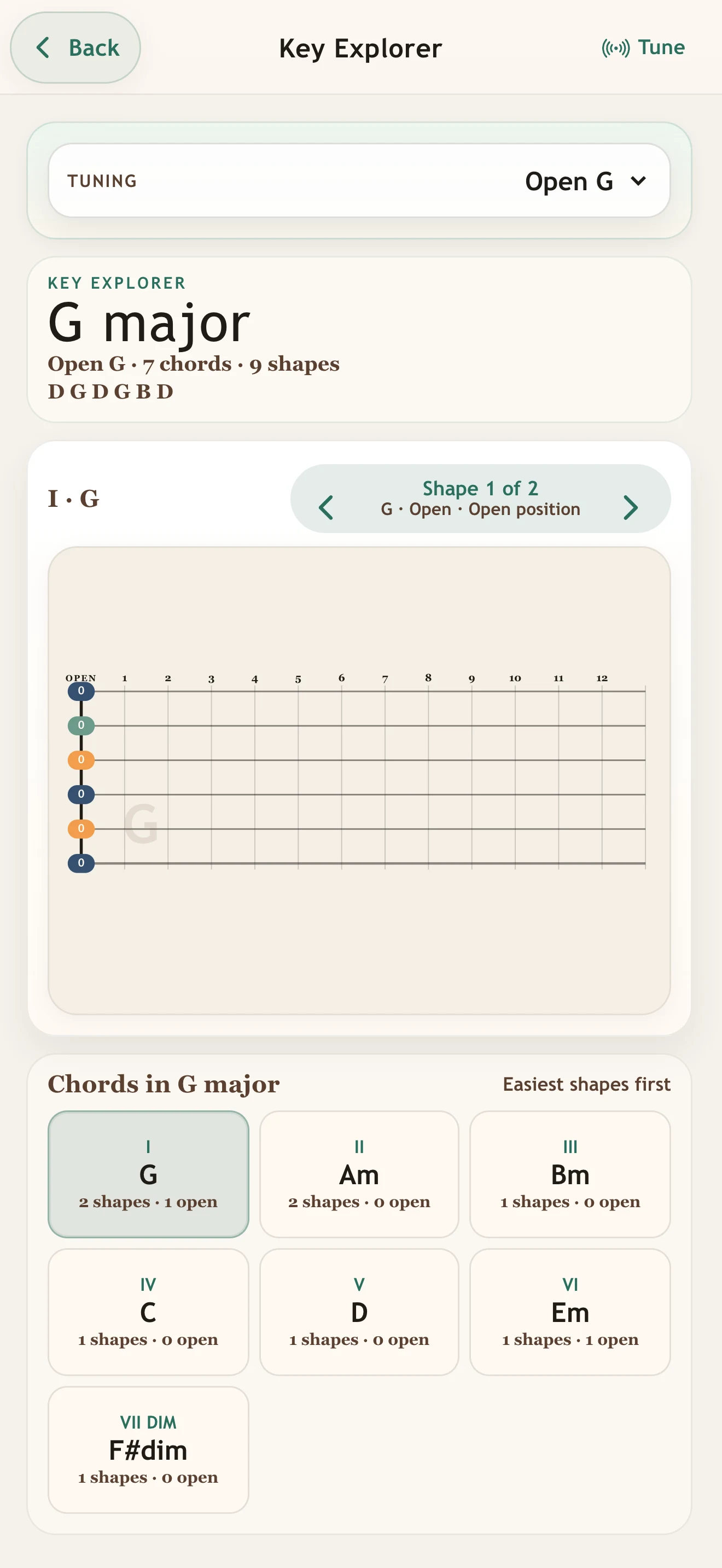
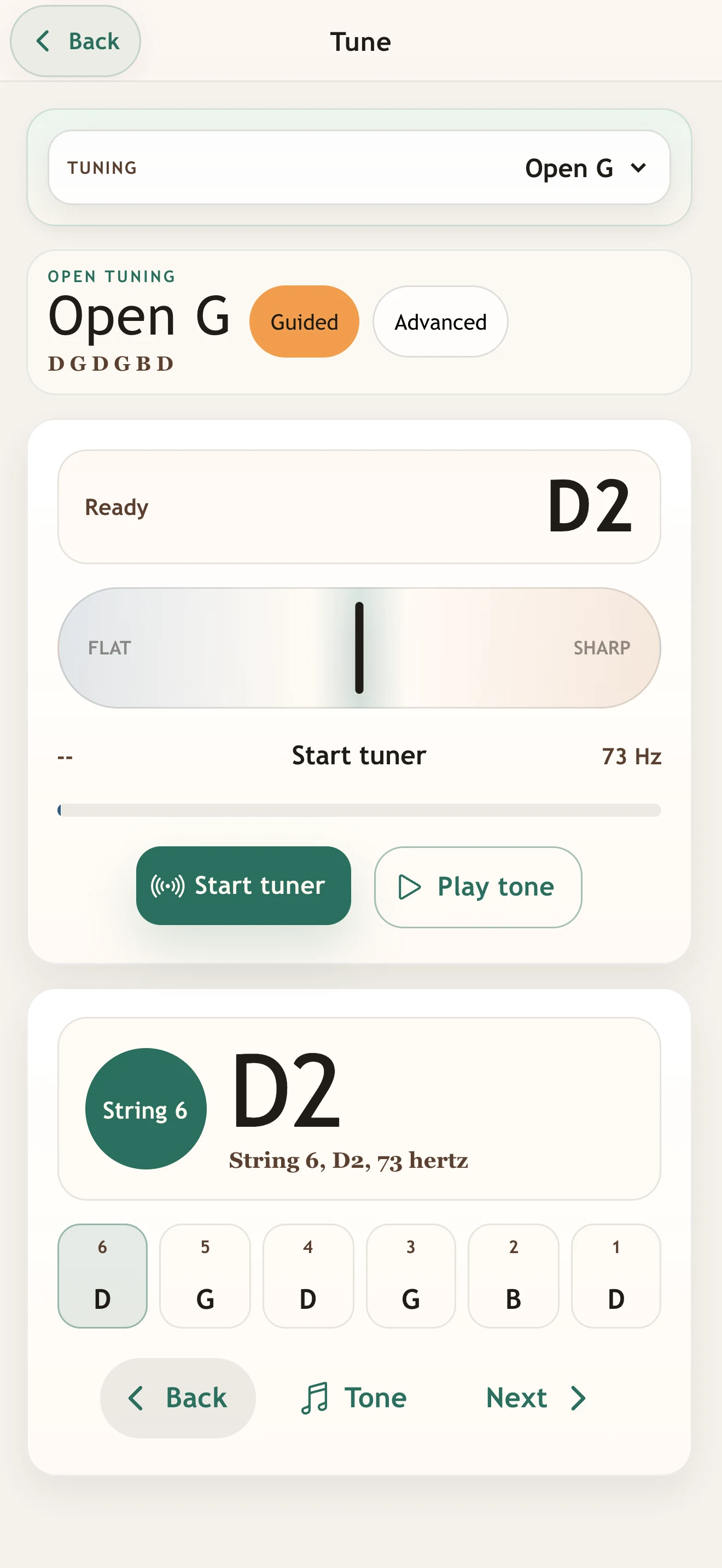
Pick a tuning, follow the full loop, explore useful keys, tune accurately, and build your own progressions without leaving the instrument behind.
Built for practice
Practice ordered picking ideas that keep ringing strings alive while the harmony moves.
See the notes and partial shapes that actually fit the tuning under your fingers.
Ghosted notes show what is coming so the roll can move smoothly.
No account, no ads, and local saves for your custom loops.
Questions
It is an iPhone and iPad app for practicing chord changes in popular open tunings. It shows the tuning, the full progression strip, highlighted next shape, and playable fretboard shapes.
The app includes Open G, Open D, DADGAD, Open E, Open A, and Open C.
Open tunings can feel disorienting at first. Seeing the whole loop with the next grip highlighted helps the movement become physical instead of theoretical.
Yes. Start from a built-in loop or build and save custom progressions on your device.
After the free 3-day Trial, continue for $0.99/month, which renews unless canceled, or choose the one-time $9.99 lifetime unlock. No account and no ads.
More guitar apps
Move from open tunings into triads, open-chord color, beginner chords, or a quick tuning check.
Learn major, minor, and diminished triads across the neck, then practice them inside real progressions.
Hear how add9, maj7, 7, 6, and sus choices change open chord loops you already know.
Start beginner guitar with tiny 3-string chords, then add strings one level at a time.
Tune guitar, bass, ukulele, mandolin, and banjo with a simple pitch-first tuner.
Download
Start with a free 3-day Trial, then continue monthly or unlock it for life. No account. No ads.